Talk to your friends while you listen to music.
You and your buddy stay in conversation over your AirPods - each playing your own music. Hands-free, private, and zero setup - even off the grid.
AirPods with the H2 Chip
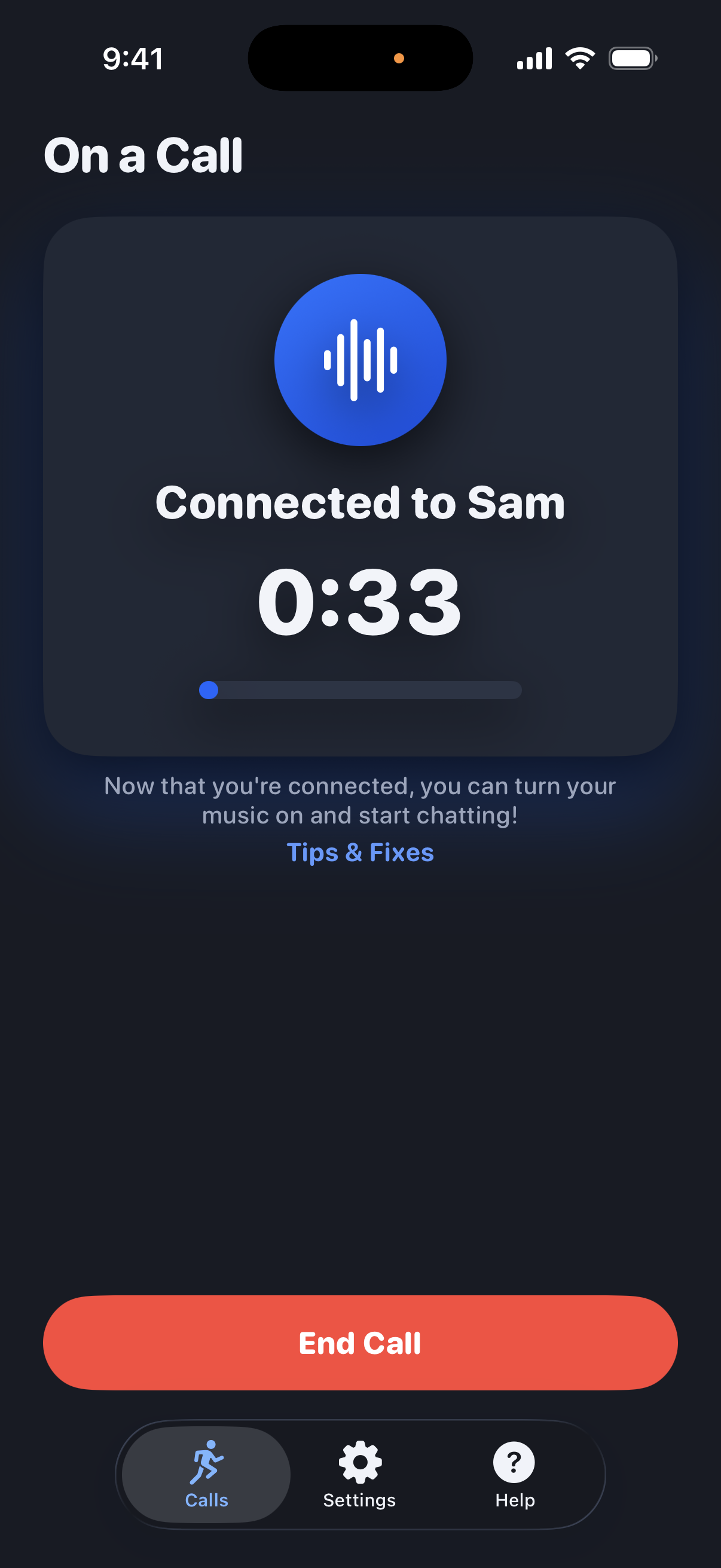
Get Connected in Three Taps
No accounts. Just scan and go.
Create a Call
One of you taps Create Call and shows a friendly QR code.
Scan to Join
Your buddy scans your code - and you're connected, phone to phone.
Run and Talk
Hit play on your music, pocket your phones, and chat the whole way.
Keep Your Soundtrack
No need to pause your music when you're running with a friend. RunningBuds seamlessly mixes your conversation with your music so you can have both!
Private by Design
Audio is encrypted. No sign-ups, no logins, no profiles. Open the app, create a call, and go.
Not Just for Running
You can use RunningBuds any time you want to chat with a friend and listen to music. Get out for a ride, go skiing, or anything else you love doing where you want to listen to music but keep talking.
Voice-Activated
It only sends your voice while you're actually talking - not your footsteps, breathing, or other background noises.
Latest Features
Offline Mode
Running beyond cell coverage? Pair your phones once, in person, and they connect directly over peer-to-peer Wi-Fi - no internet, no servers, no signal bars required. Requires iPhone 12 or later.
Echo Reduction
Running side by side? When your buddy's mic picks up your voice, RunningBuds detects it and keeps it from echoing back through your own headphones.
A Fresh New Look
A head-to-toe redesign: a cleaner, more modern interface in light and dark - with the same three-tap simplicity.
RunningBuds relies on the latest features from Apple, so it requires:
* Most wired headphones with a mic are also supported.
Roadmap
A look at what we're building next.
| Feature | Description | Timeline |
|---|---|---|
| Offline Mode | Use RunningBuds even when you're outside of cell coverage. | Shipped! July '26 |
| Call Audio Enhancements | Remove even more background noise; Remove buddy's voice “echo” when you're close together. | Shipped! July '26 |
| RunningBuds Visual Refresh | Adding some more visual polish and color to the app user interface | Shipped! July '26 |
| Onboarding Experience | A helpful onboarding flow to walk you through the app’s features and help you have the best experience | In Progress |
| Live Activity | Manage RunningBuds calls from the lock screen without unlocking your phone! | Coming Soon |
| Location Sharing | Share real-time location with each other so you know where your buddy is at if you get separated. This will be especially awesome for races, ski trips, etc. | Coming Soon |
| Group Calls | Support for more than two people on a call. | TBD based on user feedback |
Good to know
Why are people using RunningBuds?
A lot of people like listening to music when they're active, but being active with a friend usually means you have to compromise either your music or your ability to talk to each other. RunningBuds gives you both. In many cases, RunningBuds makes the conversation even better because you hear your friend's voice in crystal-clear audio without having to shout. Now you don't have to stay right next to each other to talk, and wind and other environmental noises are no problem. Plus your music is still there to motivate you through your workout. Give it a shot - we think you'll love it!
Does it really only work with H2 AirPods? Why?
Yes, H2 AirPods are required if you want to use wireless headphones. The Bluetooth specification only partially supports the capabilities RunningBuds requires to offer both music and voice at high quality simultaneously, and Apple doesn't offer those capabilities on iOS. AirPods with the H2 chip, however, do provide those capabilities. You can use RunningBuds without AirPods with the H2 chip, but you'll notice that your music sounds more like on-hold music than full-quality music.
Alternatively, most wired headphones do work just fine with RunningBuds if you have, for example, EarPods with the USB-C connector or one of Apple's USB-C to headphone dongles.
Does it require a network connection?
Not anymore! Standard calls connect over the internet, so they need a cellular or Wi-Fi connection. But with the new Offline Mode, two phones that have been paired in person connect directly over peer-to-peer Wi-Fi - no internet at all. Just flip on Offline on the Calls screen and stay within wireless range of each other. Offline Mode requires iPhone 12 or later on both ends.
Is it really private?
Yep. Internet calls are end-to-end encrypted. Depending on your network situation, a TURN server may be used to help facilitate your call, and if a call drops - say your phone hops from WiFi to cellular mid-run - an encrypted relay may briefly help the two phones reconnect. Neither holds decryption keys, so neither can "listen" to your conversation or read the reconnection messages. And offline calls never touch the internet at all - the two phones talk directly to each other, encrypted, with no servers involved.
Do we both need it?
Both runners need RunningBuds (a free download), an iPhone on iOS 26+, and AirPods with the H2 chip. Most wired headphones with a mic are also supported. Only the person who starts the call needs an active subscription - your buddy joins free.
Does it replace my music app?
Nope. RunningBuds rides alongside Apple Music, Spotify, or whatever you already love.
Can more than two people join?
Calls are one-to-one for now - just you and your buddy. Group calls are under consideration but we don't have a timeline available for when they might be introduced yet.
Do we both need a subscription?
No - only the person who starts (hosts) the call needs an active subscription (or free trial); your buddy joins free. A one-time 7-day free trial is available to eligible new subscribers, then it's $4.99/month or $39.99/year, billed through your Apple ID. Manage or cancel anytime in your Apple ID settings.